Intercom Pricing 2025: Why Teams Seek Alternatives
Intercom’s pricing in 2025 has pushed many teams into rising per-seat and AI add-on costs. This breakdown explains why businesses are looking for alternatives and how modern tools offer powerful, affordable AI-first support without scaling bills.

Intercom pricing in 2025 has increasingly raised concerns among SaaS businesses, startups, and support departments. What initially appears as a budget customer messaging solution can rapidly escalate into a four-digit monthly cost as teams increase agent numbers, enable automation capabilities, or expand user interactions.
This article breaks down Intercom’s current pricing structure, including per-seat costs, AI add-ons, and usage-based fees. We’ll also examine the hidden costs many teams encounter as they grow, compare Intercom with other customer support tools, and explain why an increasing number of companies are exploring alternatives in 2025.
How a Simple Chat Widget Turned Into a Four-Figure Line Item
This is a known scenario. An expanding SaaS business integrates Intercom at a stage. The head of support is excited about in-app messaging, an inbox, and automation to reduce repetitive inquiries. Initially, it feels like a boost in efficiency.
They start with a basic-level subscription. As stated on Intercom’s pricing page, "Essential" plans typically commence at approximately $39 per user per month for fundamental support capabilities, whereas more sophisticated "Pro" or "Premium" packages can rise considerably, particularly when considering the number of users, usage, and optional extras. By 2025, Intercom’s website indicates that advanced plans can rapidly exceed several hundred dollars monthly prior to the inclusion of usage-based fees.
Additional teammates are brought in to manage the workload. Sales desires access. Product seeks to review conversations. Enough that the "X dollars per seat" figure turns into a significant consideration. As per G2, users frequently note that Intercom can range from "hundreds to thousands per month" for expanding teams, with reviewers highlighting "price hikes" as contact volumes or features rise.
Next, AI comes into play. Intercom introduces AI functionalities and automation that appear impressive during demonstrations. These are frequently included in premium tiers. Offered as paid add-ons. According to Capterra reviewers, accessing automation or sophisticated bots might require pricier plans, increasing the overall ownership expense.
Suddenly, what began as a simple decision to use Intercom for chat has unexpectedly become a four-figure monthly expense. Frequent upgrades and add-on conversations have further driven up cost. So the tool, intended to simplify support, now raises serious budget concerns as the team or user base expands.
The Less Obvious Costs Teams Discover After Scaling Intercom

Intercom’s listed per-seat cost is one aspect of the overall picture. Drawing from available details on Intercom’s pricing page and feedback from users on G2 and Capterra, the following are key issues that dissatisfied customers have highlighted.
- Pricing per user that discourages teamwork: Adding every extra team member may cost $39+ monthly starting early 2025. This accumulates rapidly if you need support, product, sales, and success teams all using the platform.
- Feature-restricted levels: Numerous advanced functionalities (such as automation, detailed reporting, or AI assistants) are accessible only in premium plans. G2 reviewers often note that they needed to "upgrade to access" features they expected to be included by default.
- Costs based on usage or contacts: When your number of users increases, and you send messages or save more contacts, you might face extra fees tied to volume. Several Capterra reviews highlight "overage fees" or the necessity to reduce contacts and usage to manage expenses.
- Deployment and assimilation duration: Although Intercom is robust, its adaptability requires setup. This represents an expense: time invested in establishing rules, workflows, and routing rather than directly assisting customers.
None of this implies that Intercom is a product. It simply indicates that the actual cost you pay at scale varies significantly from the figure shown on the pricing page.
According to G2 reviews, users rate Intercom highly for features but frequently call out “expensive” and “pricing not transparent” as key cons, especially for small and mid-sized businesses.
Why Per-Seat Pricing Breaks Down as Support Teams Grow
The main lesson from teams that have experienced the Intercom roller coaster is straightforward: pricing models based on seats and features ultimately penalize you as you expand.
Whenever you aim to add a team member to the inbox, you need to calculate. Whenever you plan to try out an automation or AI functionality, you ask yourself if it will push you into a more expensive tier. This creates friction precisely where you do not want it: in improving customer support.
In contrast, straightforward fixed pricing that isn’t linked to each agent seat promotes teamwork. It allows you to view customer support as a company routine rather than a restricted benefit available only to a limited number of seats you can pay for.
If the expense of incorporating an agent or automation flow causes you to pause your pricing strategy is hindering your customers rather than helping them.
How Intercom Compares With Other Support Platforms in 2025
If you are comparing options, here is how some common alternatives position themselves, based on public pricing and user reviews on G2 and Capterra.
- Zendesk: As of early 2025, Zendesk Suite plans often start around $55 per agent per month for basic support, with higher tiers climbing well above that. G2 reviews highlight strong enterprise capabilities but note that pricing and configuration can be overwhelming for smaller teams.
- Freshdesk: Often promoted as a budget option, Freshdesk continues with per-agent pricing, and users on Capterra report "hidden fees" and restricted AI features in the basic plans.
- Crisp, Tidio, and similar tools: These commonly offer freemium versions but restrict the number of contacts, users, or premium functionalities in their packages, encouraging committed teams to upgrade to paid options.
It is advisable to check the pricing on each provider's website, as plans and rates fluctuate. The pattern, though, is clear: most established tools charge per seat and reserve their strongest AI features for higher, more expensive plans.
Table: Customer Support Tools Pricing Comparison (2025)
Pricing and features are based on publicly available information and user reviews as of 2025. Plans and limits may change.
An Alternative Pricing Model: What Backend.chat Does Differently
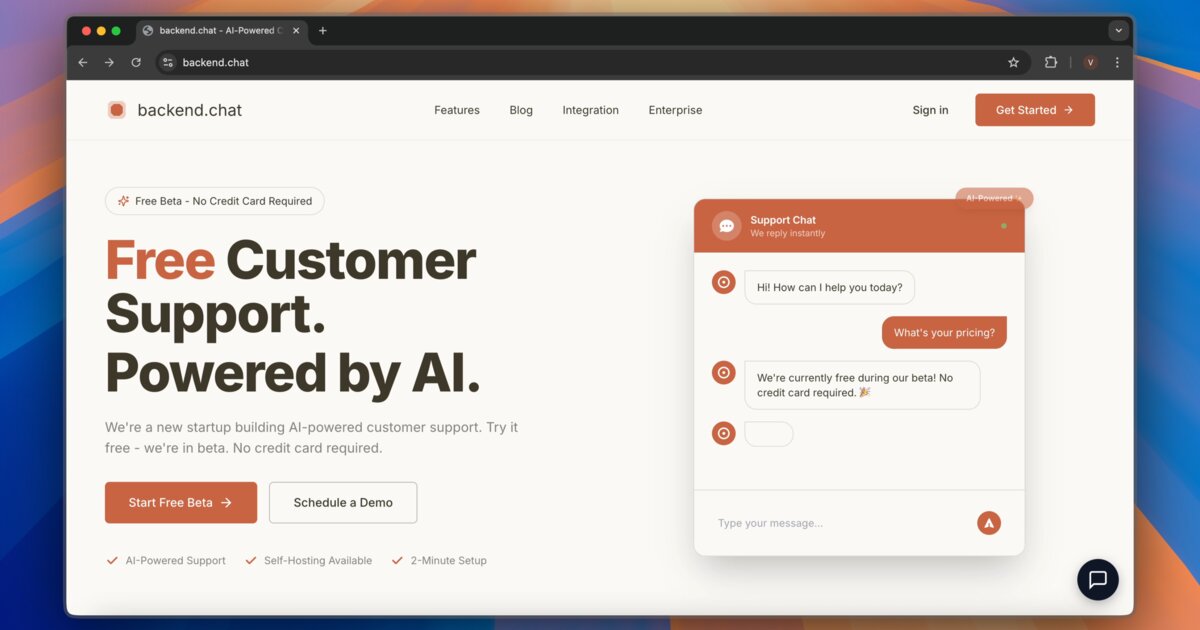
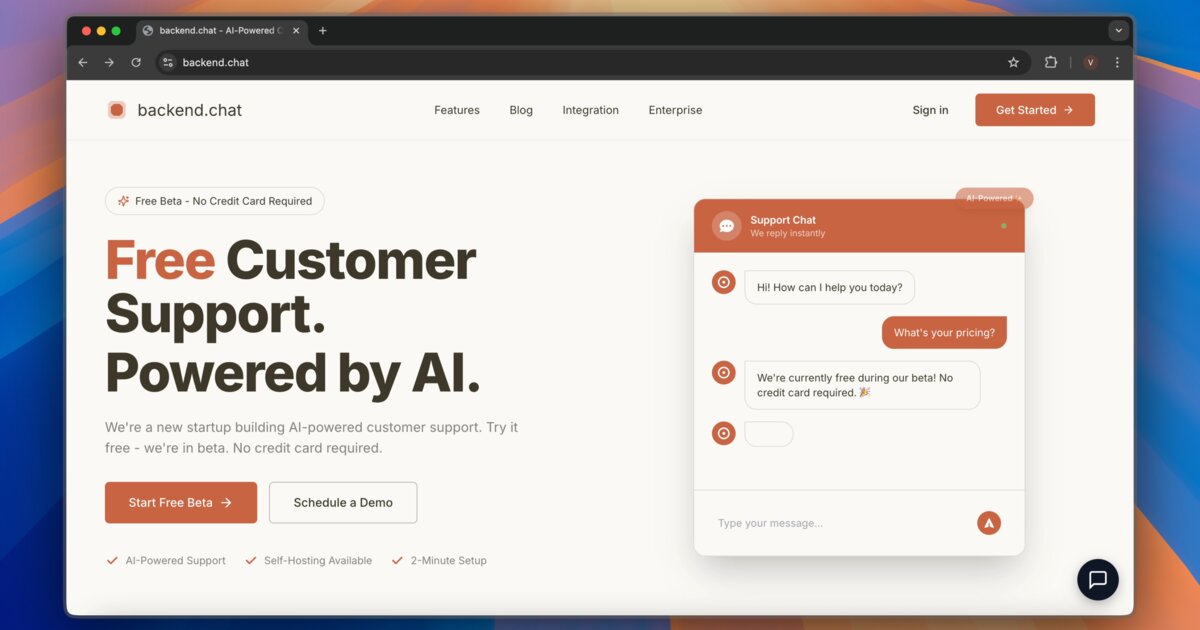
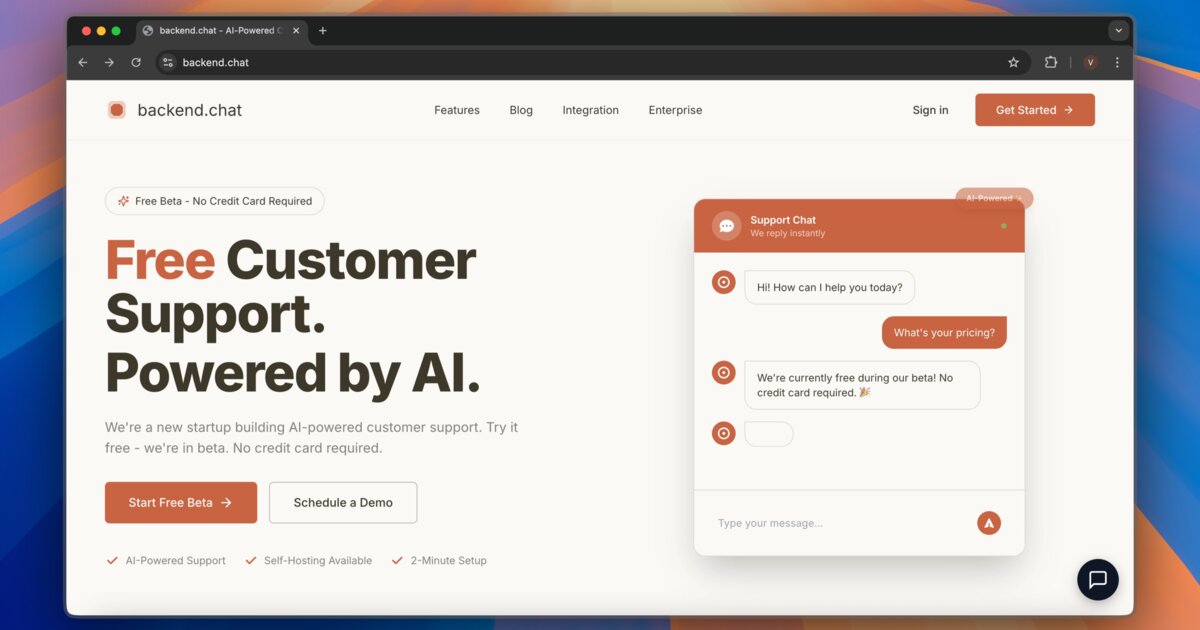
Backend.chat was created following an approach: prioritizing AI-assisted support, straightforward pricing, and no extra charges for involving additional participants in the chat.
Instead of complex tiers and rising per-seat costs, Backend.chat offers:
- Available now in beta, for free: No credit card is needed, allowing you to try AI-driven support without increasing your expenses.
- No per-seat pricing: Add unlimited agents. Invite support, founders, sales, and product without worrying about the cost per seat.
- Quick setup: A brief two-line code snippet containing a widget less than 50 KB, enabling you to go live within minutes rather than days.
- AI trained using your documents and FAQs: Allow AI to manage inquiries around the clock, then transition seamlessly to human support when necessary.
- Self-hosting alternative: A one-time $4,999 license for teams that want full control and multi-tenant architecture for enterprise use cases.
For teams, with Intercom’s increasing monthly charges, the difference is clear. You receive AI-driven support and unlimited team members with costs that remain stable as you expand or try things.
Practical Framework to Decide If Intercom Still Makes Sense
If you are frustrated with your current Intercom bill, you do not need to rip everything out overnight. You can treat this as a low-risk productivity experiment.
Step 1: Audit Your Real Intercom Spend
- Open your last three months of Intercom invoices.
- List out: number of seats, base plan, any add-ons, and any usage-based charges.
- Calculate your average cost per agent and per resolved conversation.
Step 2: Identify “Nice-to-Have but Pricey” Features
- Mark, which Intercom features do you actually rely on daily?
- Highlight advanced features or add-ons you are paying for but barely use.
- Ask: If we removed this feature tomorrow, would our customers notice?
Step 3: Run a Parallel Trial Before Switching
- Go to /get-started and create your free Backend.chat account.
- Install the two-line widget on a staging site or a low-traffic page first.
- Upload your existing FAQs, help docs, and common replies so the AI can train on your content.
- Invite your support teammates without worrying about per-seat costs.
Conclusion
By 2025, it's clear that tools such as Intercom are indeed effective. The real issue now is whether their pricing structures remain reasonable for expanding teams. When every new agent, automation, or increase in usage triggers higher costs, support stops feeling like an investment and starts feeling like a liability. Modern customer support should scale with your business, not against it. Taking the time to reassess what you’re paying for, what you actually use, and what alternatives exist can help you regain control without compromising the customer experience.
Suggested Internal Links