CUSTOMER SUPPORT, TOGETHER
Website chat.
Built for the
whole team.
Answer website messages from one shared inbox. Give every conversation an owner, keep private notes, and pick up where your team left off.
For small teams. Free to get started.
The conversation and the next step, together.
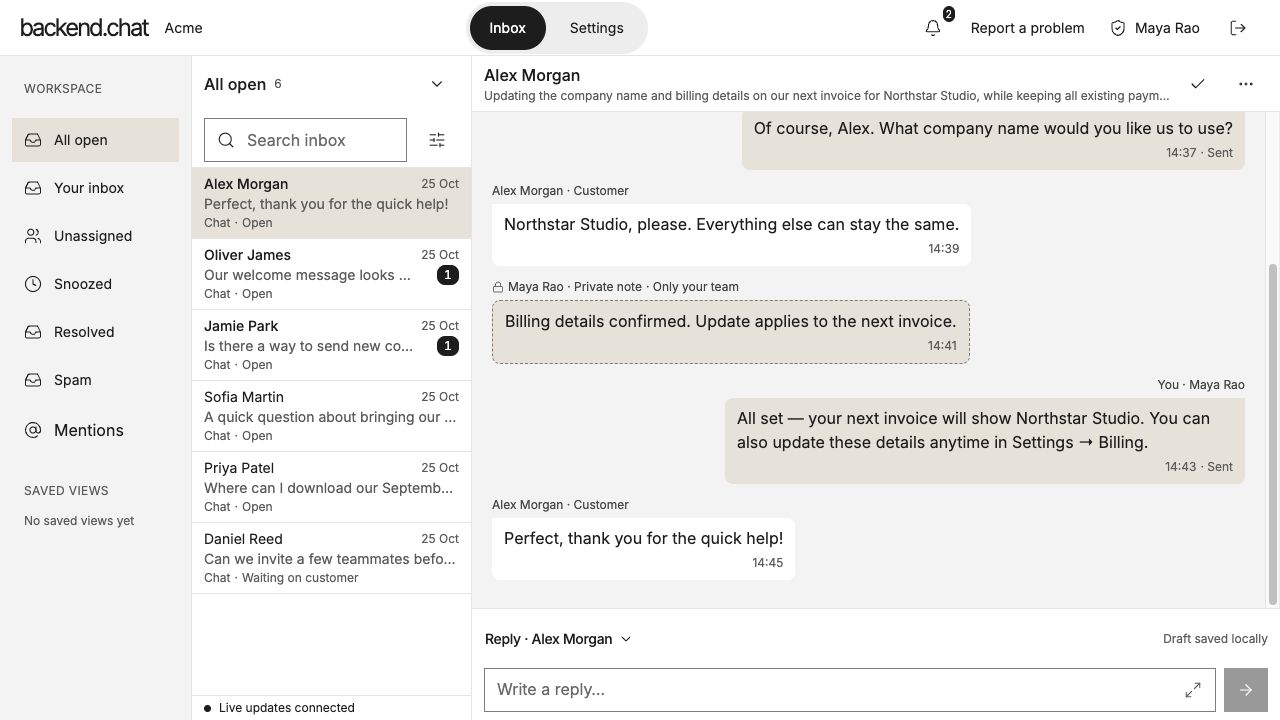
Example workspace · Shared inbox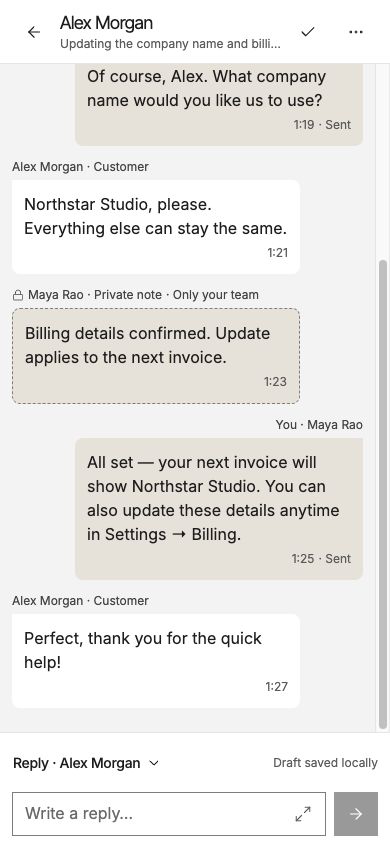
Shared inbox / Private notes / Clear ownership
View full-size inbox (opens in a new tab)View full-size conversation (opens in a new tab)01 / FOR YOUR CUSTOMERS
A clear place to reach your team.
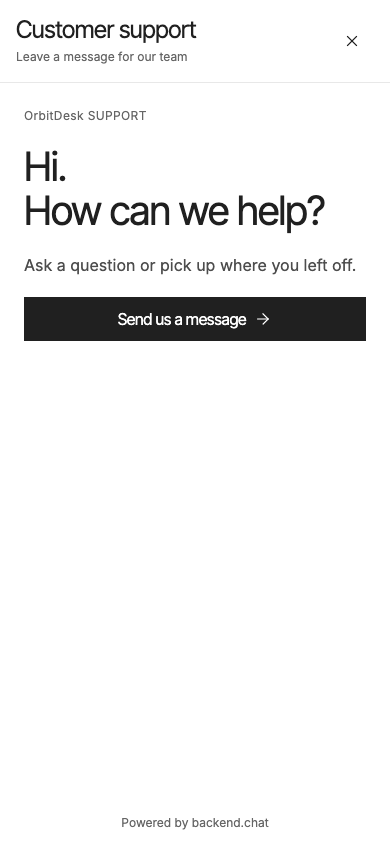
Add chat to your website. Make it feel like your business, from the welcome message to the launcher.
- Your support name, logo and welcome.
- Staffed hours and outside-hours messages.
- A preview to review before you publish.
02 / FOR YOUR TEAM
Hand over the conversation. Keep the context.
Assign a teammate and leave private notes beside the thread. Your next reply starts with what your team already knows.
Billing details confirmed. Update applies to the next invoice.
Only your team- A clear owner for the next step.
- Team discussion alongside the history.
- Resolve, then reopen when a customer replies.
03 / ON YOUR WEBSITE
One script. A continuing conversation.
Install your generated script on your website. Visitors can return to their conversation in the same browser.
Connect your website
Save the exact HTTPS website origin in your workspace settings.
Add your generated script
Use the workspace’s installation code in your website’s HTML.
Send the first message
Test on your own website, then reply together from the inbox.
CURRENT FREE PLAN
Bring your next customer conversation here.
Open to every team. Get started with free website chat.
- Team members
- Up to 5
- Conversations
- 250
- Messages and private notes
- 10,000
Per workspace. Current free allowances do not reset monthly. Additional storage and activity limits apply.
Your first conversation starts here.
Create your account, verify your email, and set up your team’s website chat.
Get started Already have an account? Sign inBEFORE YOU START
A few things to know.
- Can I sign up today?
- Yes. Create an account and verify your email to set up your workspace.
- Do the free limits reset each month?
- No. The current free-workspace allowances do not reset monthly.
- Can visitors return to their conversation?
- Yes, in the same browser. Returning visitors can pick up their existing conversation.
- What is available in this release?
- Website chat, team replies, private notes and messenger settings. The examples show the website-chat workflow.